Run a team step challenge from sign-up to final standings.
Registration and payment, teams and divisions, standings that move every day, and a fun competitive step challenge no one will forget. A user friendly experience, built to keep people walking.
- Teams sort into size divisions on their own
- Phones count the steps and send them in
- Registration, payment and invite codes built in
Organizing one? See what you get
Participant sign in
For people taking part in a challenge on a computer.
What you get
Everything a challenge needs, in one place.
An engaging participant app
Participants, teams and captains, invite codes, announcements with pictures, sponsor posts, and a defined finish with final results.
- Standings that move every day, in every division
- Team chat, friend requests and a photo Challenge Wall
- The same challenge on iPhone, on Android and on a computer
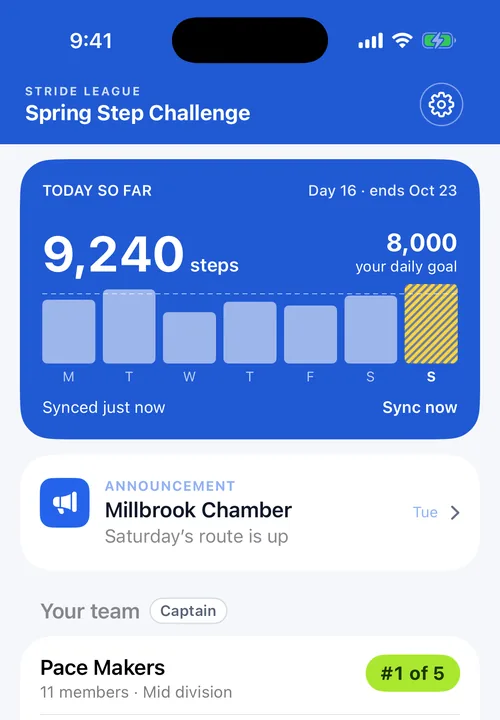
Brand the app with your style
Your challenge name, your color and your banner, in both apps and on the web, so the challenge promotes your brand.
- Your color carries through every screen in the app
- Your banner sits at the top of the app all challenge
- Sponsors get their logo in the same feed participants already read
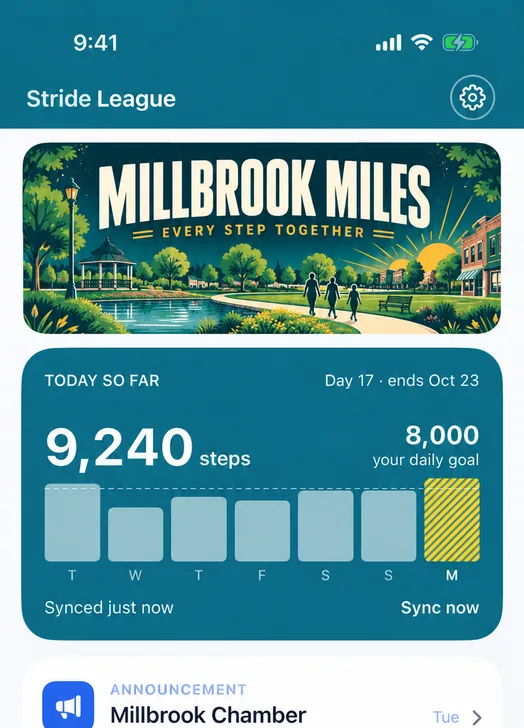
Automation for the administrator
The console does the parts of running a challenge that used to be an evening of spreadsheets, and it does them while you are asleep.
- Teams land in the right size division as they grow, and move as they keep growing
- Standings recompute every day, per member, across every division at once
- Registration and payment arrive as one list you can search
- Phones that stop reporting are counted on the first screen
- The challenge closes on its own schedule and the results stand
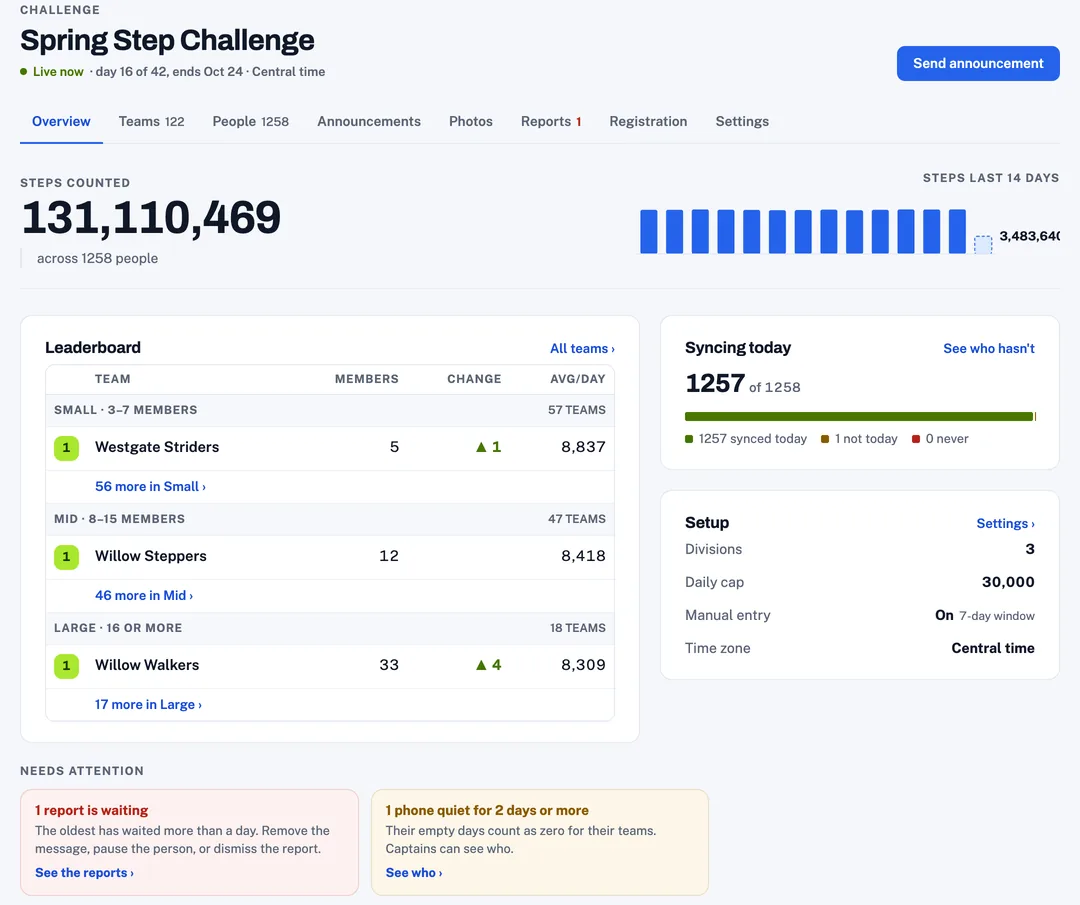
What people see
Steps show up automatically.
The app counts the steps in the background and sends them in, so the standings move while people go about their week. It works the same way on iPhone and on Android.
Everybody sees the same standings, the same announcements and the same finish, on either phone or on a computer.
